
AinuVision Edge turns the CCTV you already own into an AI analyst. Describe a threat in everyday words and get real-time alerts. Search recorded footage by description — or by face. Run it standalone on a single machine, or scale across as many nodes as you need — unified in a single view through your VMS. Either way, no cloud and no footage leaving your network.
AinuVision reads video the way a person would — objects, clothing, actions and context — so you can ask for what matters instead of drowning in motion alerts.
Type what you want to catch — "two people fighting", "person climbing the fence" — set a score and cooldown, and AinuVision watches every frame. Start fast with built-in libraries for violence, suspicious behaviour, emergencies and more.
Investigate in seconds. Describe what you're looking for and AinuVision finds the matching clips across your recorded footage, organised by camera, day and hour — each result scored and ready to play or download.

Enrol up to 1,000 people from a single photo, then add a name to any search — "Orkhan, talking on the phone". Face recognition is used to refine search results, never for real-time identification.
Every triggered alert lands as a notification card with the clip, time and confidence score, grouped per camera with live toasts and badge counts. Download any clip to share with your team or the authorities.
Install the software on one recommended machine, point it at your cameras, and describe what to watch for. No rip-and-replace, no per-camera hardware.
Paste RTSP URLs directly, or discover cameras through an existing NVR. AinuVision sits alongside your existing setup on the same network.
Write alert rules in plain language per camera, or pick from standard alert libraries. Set them up in any language — it's detected automatically (e.g. English or Thai).
Get real-time alerts and notifications the moment something matches, and search your recorded footage whenever you need to investigate after the fact.
Pick the mode that fits your site. NVR and Network Optix (Nx) modes record continuously, so search returns clickable video clips and face recognition is available.
Built to integrate easily with VMS providers — Milestone, Genetec, Avigilon and others.
Camera-agnostic over ONVIF / RTSP — deployable with NDAA-compliant cameras.
Deploy AinuVision on its own, or bring it inside the VMS your operators already use — both run entirely on-site.
Runs on your own hardware with its own web console. Connect any ONVIF / RTSP cameras — or discover them through an existing NVR — then set alerts and search, all on one machine, all on your network.
Alerts, search and face recognition run natively inside the VMS your operators already use — with Network Optix (Nx) supported today and more platforms coming. To scale a large site, split cameras across multiple nodes — each node runs AinuVision on its own share — and bring them together into one system, so operators still get a single unified view: one search, one alert stream, one pane of glass. Still 100% on-site.
AinuVision runs as self-contained software on your own hardware inside your network — one machine, or a cluster of nodes for larger sites. There's no cloud dependency and no video sent off-site — making it a natural fit for airports, government, and any environment with strict data-residency rules.
All AI processing, recordings and faces stay on your hardware. Nothing is uploaded.
Standard ONVIF / RTSP IP cameras, or an existing NVR. No proprietary hardware per camera.
Once installed, AinuVision keeps running on your LAN even without an internet connection.
AinuVision Edge is pure software. This single recommended workstation handles 8 to 12 cameras on its own — and capacity scales out as you add more.
Camera count depends on how busy your scenes are. The recommended spec above comfortably runs a typical mixed-surveillance site on a single machine.
Need more cameras? AinuVision scales across nodes — add workstations and split cameras between them, all brought together in your VMS so operators keep a single unified view.
For deployments of up to 4 cameras, 32 GB RAM and a 1 TB SSD are sufficient.
The same plain-language engine adapts to whatever each site cares about — no model retraining, just new descriptions.
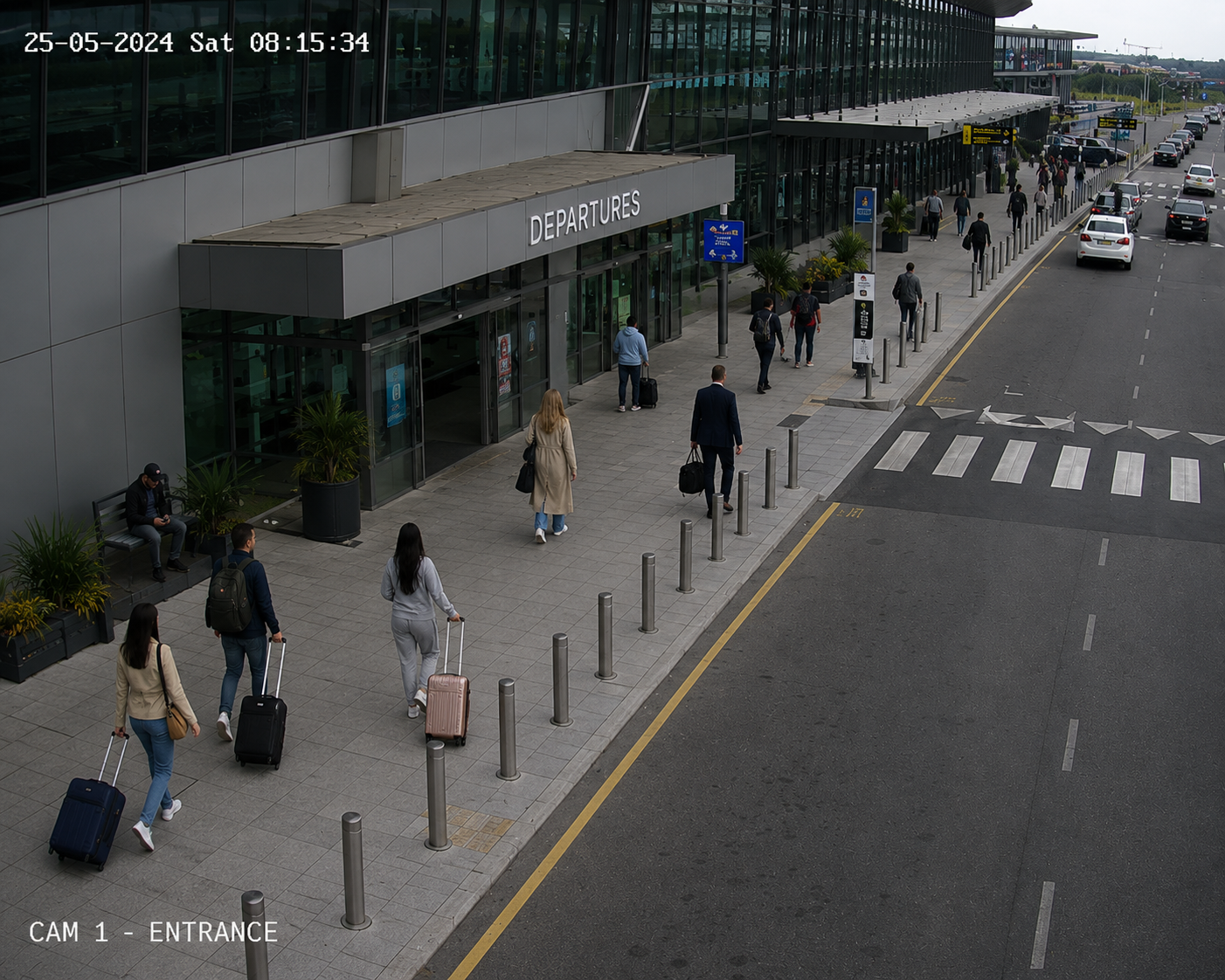
Spot unattended baggage, crowding and restricted-area access across terminals and curbside.
Catch theft, altercations and after-hours intrusion, then search footage when incidents are reported.
Perimeter and fence-line monitoring for utilities, ports and government facilities — entirely on-site.
Detect loitering, vehicle incidents and smoking in restricted zones across open areas.
Monitor safety compliance and after-hours activity, with searchable evidence of any incident.
Surface violence, weapons and emergencies in real time so operators respond to the right cameras.
Tell us about your site and we'll walk you through real-time alerts and natural-language search on a live setup.
Tell us a little about your site and we'll be in touch to set up a live walkthrough.
Your request is in. Our team will reach out shortly to schedule your AinuVision demo.